How to play
Two questions go in, one gets answered, and the loser’s OpenRouter key pays for it. Which means before you can bet, you need a key. Ten minutes and about two dollars — none of it to us.
What you’re handing over
OpenRouter is one API in front of every model worth asking — you buy credit there, and a key is how they know whose credit to spend. PromptFlip never buys anything, sells anything, or holds anyone’s money. It holds your key, because on this table the key is the stake.
Yours stays yours: encrypted the moment it lands, never shown to any browser again (including yours), never written to a log, and charged only when you lose a flip — the winner’s answer runs on the loser’s key, once, for one question. You can pull it out whenever no flip of yours is live.
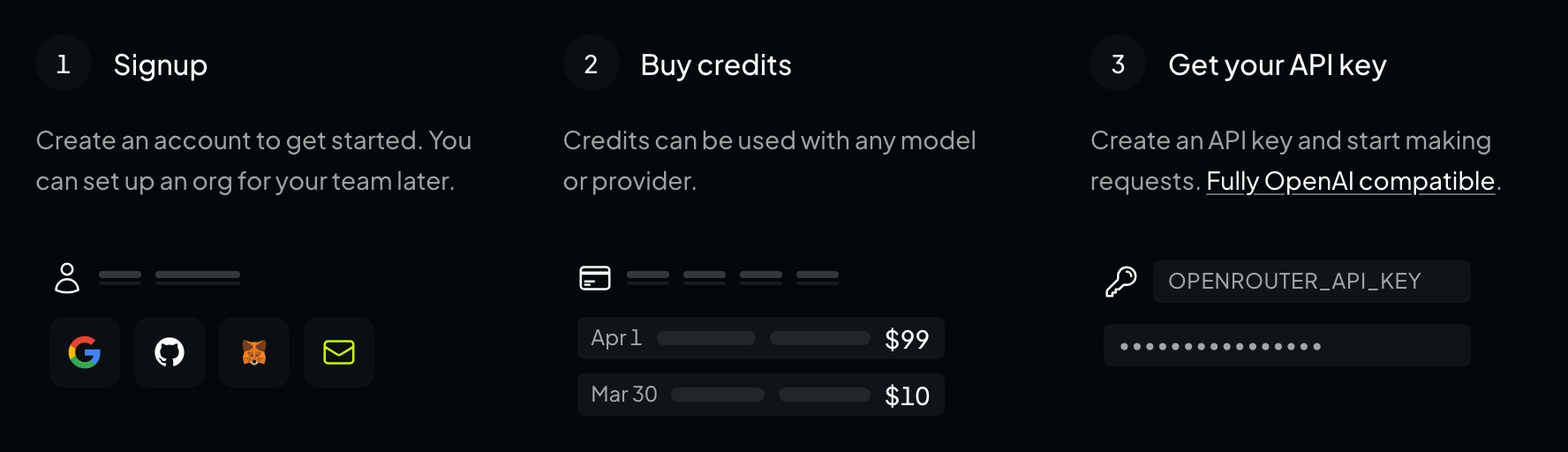
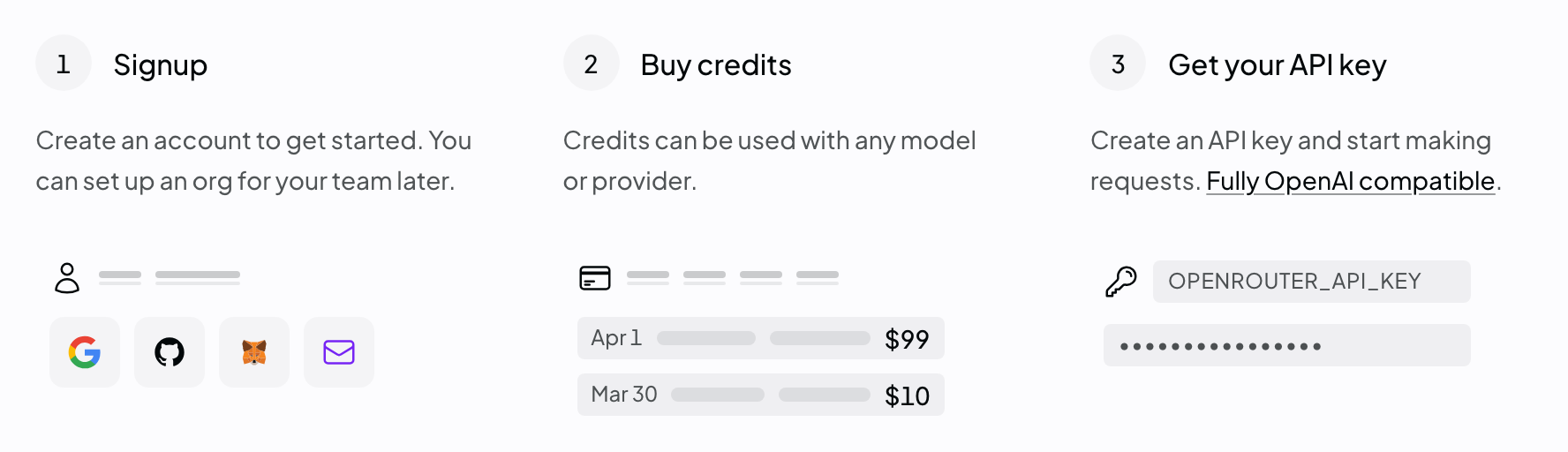
Screenshot: openrouter.ai describing its own onboarding. Steps 2 and 3 are the whole errand below — and in that order, because a key made before the credit is bought is a key we turn away. Make an OpenRouter account
Go to openrouter.ai and take the Get API Key button under the headline, or Sign Up in the top right. GitHub, Google, MetaMask and a plain email address all work; pick whichever you will still have in a year.
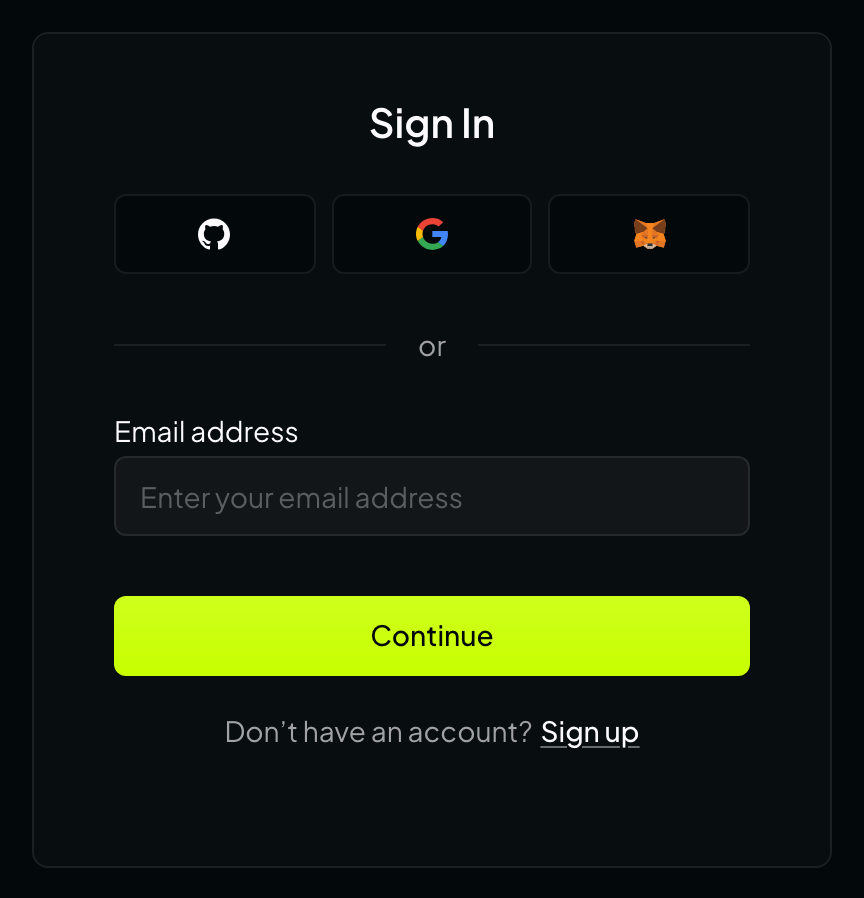
Screenshot: the card at openrouter.ai/sign-in. Asking for the keys page while signed out sends you here and carries a redirect_urlback to it, so signing in lands you where you were going.Put a couple of dollars behind it
Settings → Credits, then Add Credits. A first purchase asks for a billing address and a payment method inside the same modal before it shows you the amount. Cards, AliPay and USDC; two dollars is plenty.
This step is not optional here, and it is the one people skip: OpenRouter treats an account that has never bought credit as free tier, and PromptFlip refuses free-tier keys — “Add credits to OpenRouter first — free-tier keys can’t wager.” A flip has to be settleable by whoever loses it, and free models are not a currency.
What you’ll seeCredits
No credit purchased yetAdd Credits- 1Billing address
- 2Payment method
- 3How much you’re buying
The Credits page at openrouter.ai/settings/credits. Add Credits is the button’s real label, and the modal really does ask for a billing address and a payment method before it shows you the amount field. The words “No credit purchased yet” are ours, not theirs.Make the key, and catch it
Settings → Keys, then Create API Key. Two fields, both worth filling in:
Name it PromptFlip. Six months from now this is the only thing standing between you and a list of keys called “test”. And set a credit limit of $2. A limit is a ceiling on this key alone: it is what makes losing a flip cost a fraction of a cent rather than whatever is in your account, and it is a ceiling that holds even if every promise on this page turns out to be wrong.
Then copy it. OpenRouter shows the key once — its own API says the plaintext “cannot be retrieved later” — so a key you did not copy is a key you delete and make again. It starts
sk-or-v1-.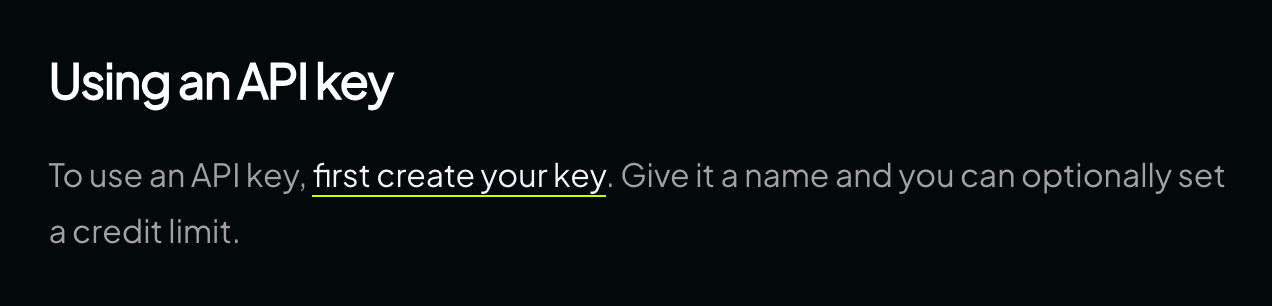
Screenshot: OpenRouter’s authentication guide, which is where the two fields below come from. Their docs render dark whatever your theme is, so this one shot serves both. What you’ll seeAPI Keys
No keys yetCreate API KeyThe keys page. openrouter.ai/keysandopenrouter.ai/settings/keysboth land here — as of 12 September 2026 they redirect toopenrouter.ai/workspaces/default/keys, so do not be alarmed by the address bar. Create API Key is the button’s real label.What you’ll seeCreate API Key
NamePromptFlipCredit limit2Create API Keythen
Your new key
Keysk-or-v1-••••••••••9f2cCopyThe dialog, and the one moment the key is readable. The two fields are the ones OpenRouter documents — “Give it a name and you can optionally set a credit limit” — and the plaintext key is returned only once, by its own API’s admission: “it cannot be retrieved later”. The layout, and the copy control, are drawn from that description rather than photographed. Paste it into PromptFlip
Your key takes one key per player. Paste, then Encrypt and validate: we ask OpenRouter who the key belongs to and how much is behind it, encrypt it with AES-256-GCM before it is stored, and never hand it back to a browser. If you pasted something that is not a key, the field says so before anything leaves the page.
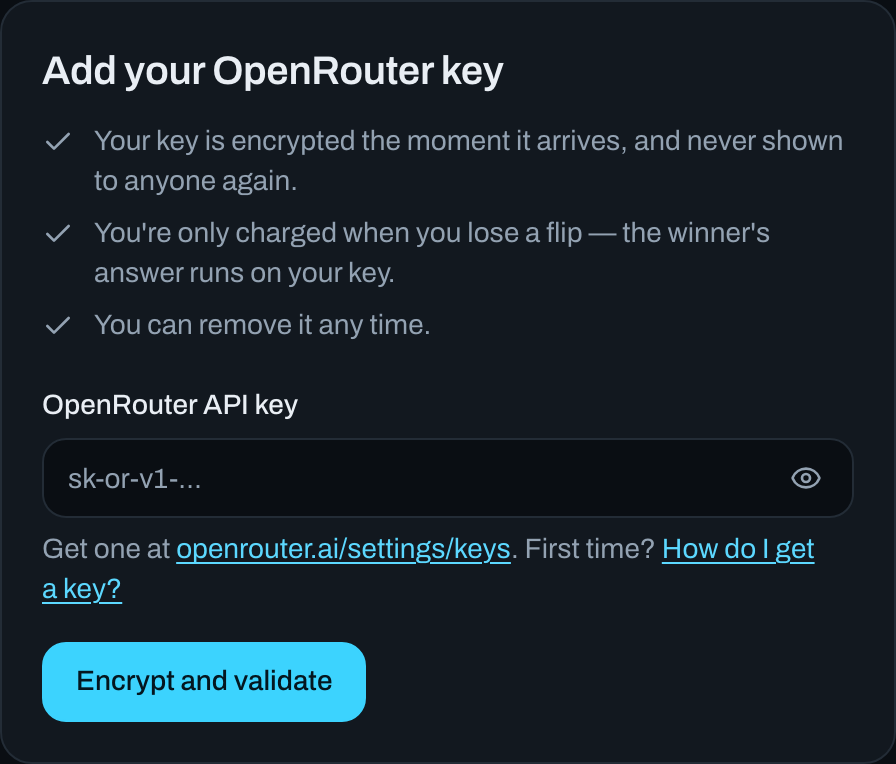
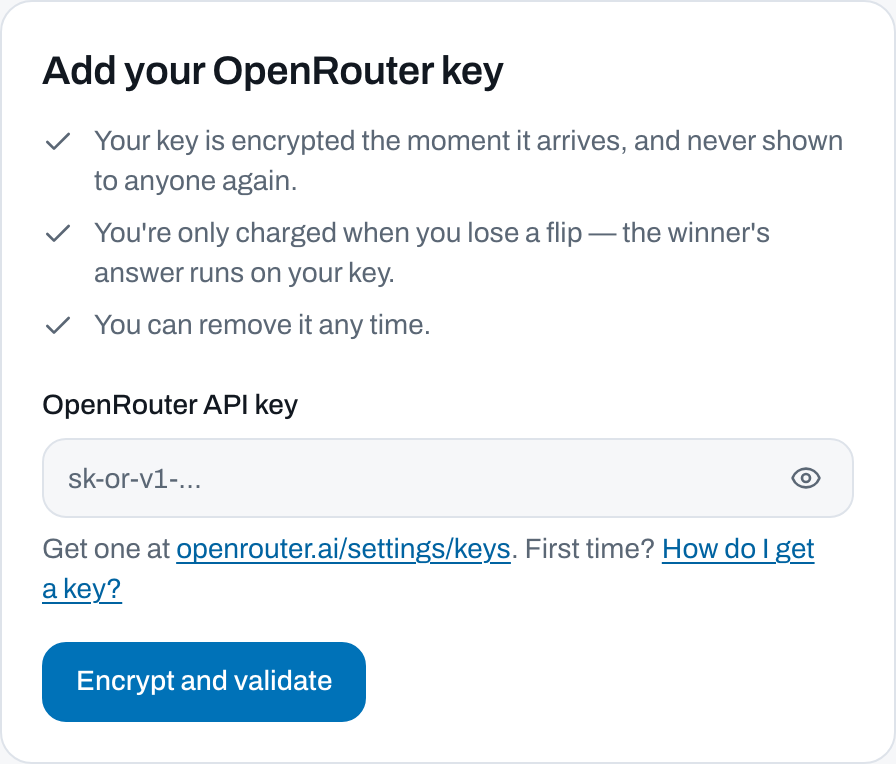
Screenshot: our own form, at /keys. What the card tells you afterwards
The form is replaced by the key’s own card: the name OpenRouter has for it, its last four characters, what is left of its limit, what it has spent in its lifetime, and one badge saying whether it can wager. The two figures are reported separately because OpenRouter will not tell us the original ceiling, and a number we cannot vouch for is worse than no number.
Re-validate asks OpenRouter again — the thing to press after you top up. Remove key forgets it, unless a flip of yours is live, in which case finish the flip first.
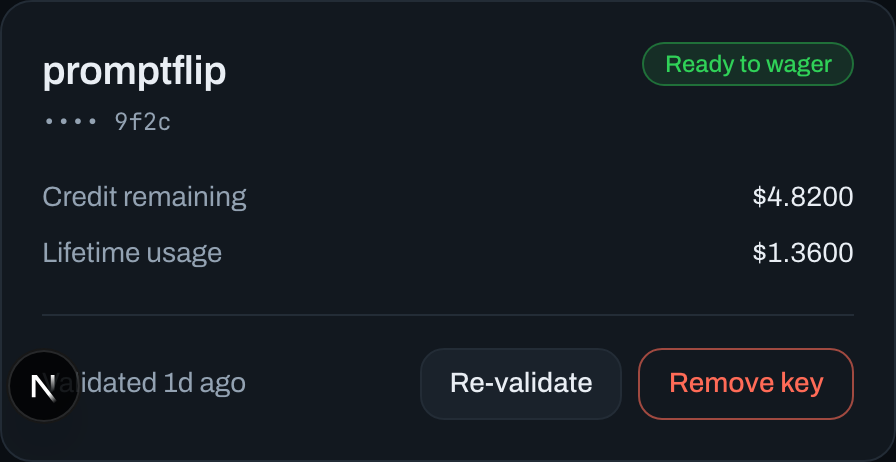
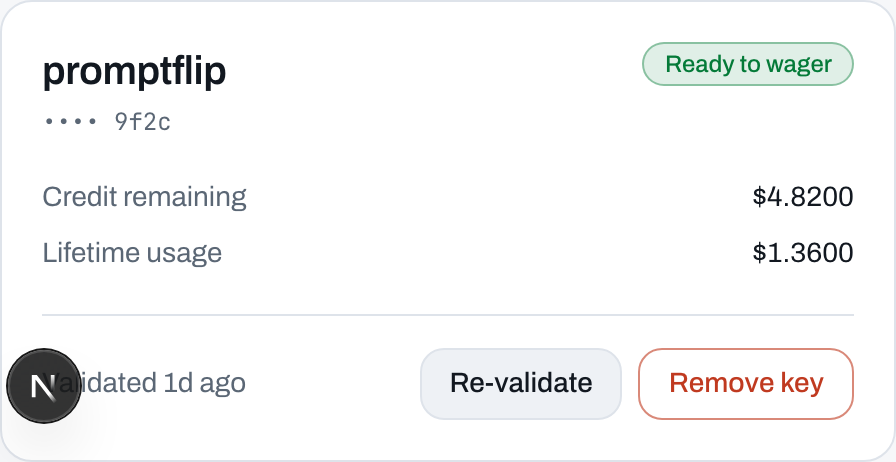
Screenshot: the same surface once a key is in. Then the coin
Start a flip or take someone else’s: pick a model, pick a depth — which is what caps the cost — call heads or tails, and write your question. Whoever joins gets the other side. Both browsers seal a secret before anything is revealed, the server adds a third, and the coin is the hash of all three. It lands at the same instant on both screens.
The winner reads their answer, privately. The loser watches the meter tick up on their own key and keeps their own question. Nobody has to take our word for any of it: every finished flip publishes its inputs at
/flip/<id>/verify, which recomputes the whole chain in your browser and prints the shell commands to redo the maths without us.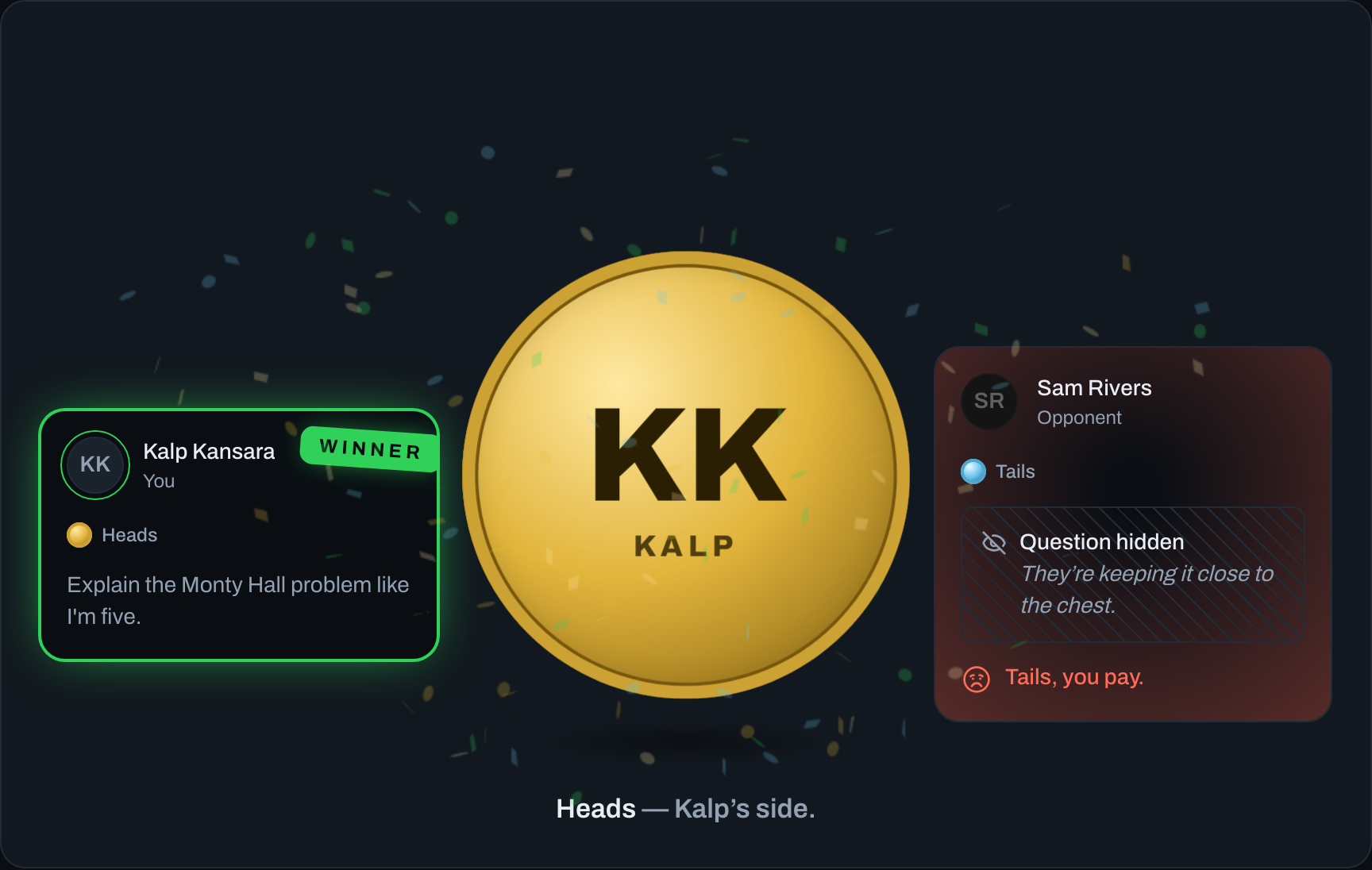
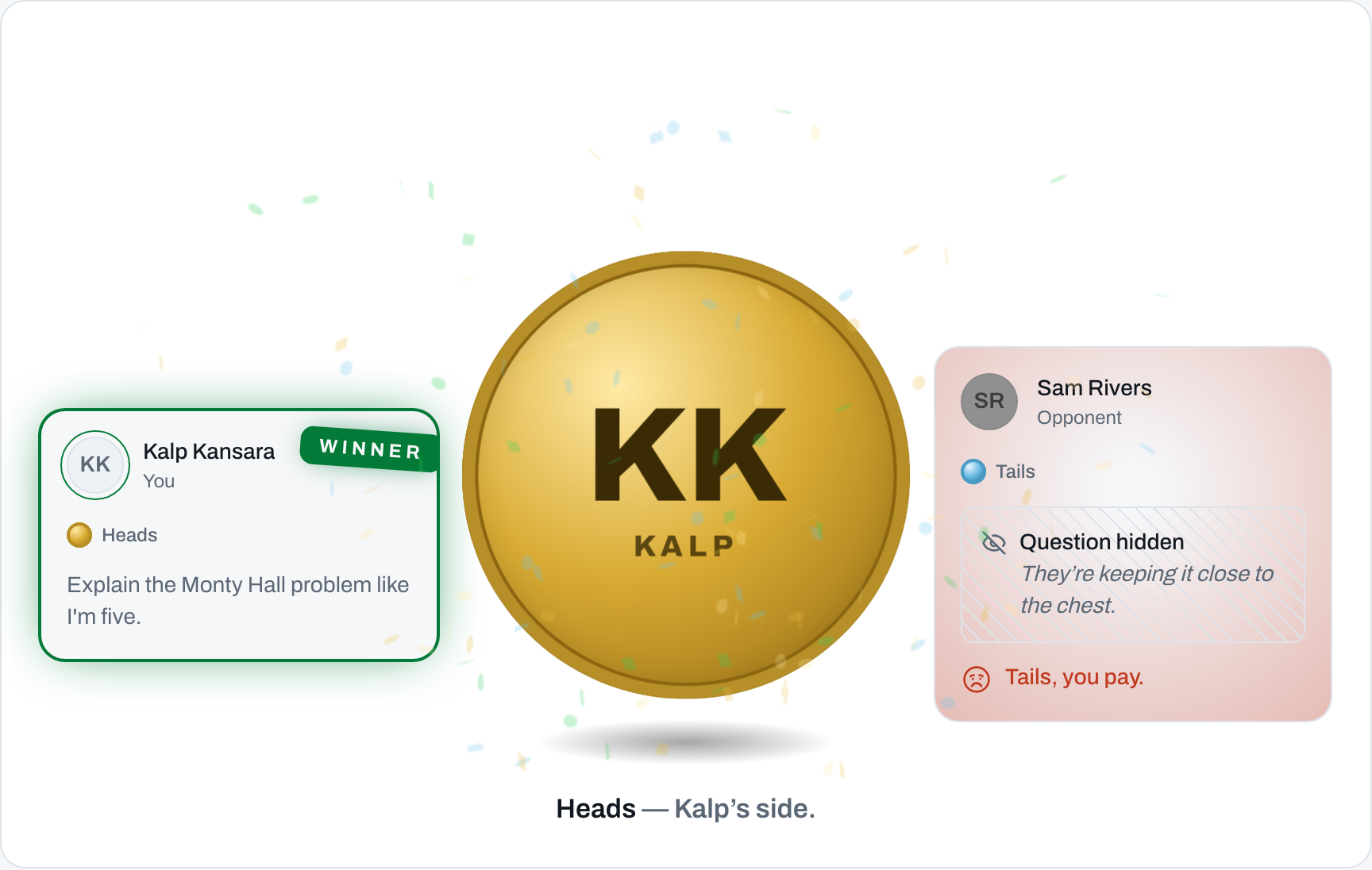
Screenshot: a resolved flip, coin at rest.
Questions a sensible person asks
Why won’t my free OpenRouter account work?
Because OpenRouter marks a key as free tier until the account behind it has bought credit at least once — its own API documents the field as “whether the user has paid for credits before”. A free-tier key can call free models, and free models are exactly the ones a wager cannot be settled in.
So we refuse it at the door, with the reason: “Add credits to OpenRouter first — free-tier keys can’t wager.” Buy a couple of dollars of credit and the key you already made starts working; you do not need a new one, just Re-validate.
What does losing actually cost me?
A fraction of a cent, usually. You are told the ceiling before you commit — every flip quotes “Worst case if you lose” from the model’s own published prices, and the depth tier caps the answer at 300, 1000 or 3000 completion tokens, which is what makes the ceiling quotable at all.
The loser pays for both questions and the whole answer, on their own key, the instant the coin lands. Nothing is charged by us, and nothing is charged when you win.
Can the other player see my key?
No, and neither can you once it is in. It is encrypted with AES-256-GCM the moment it arrives, and the plaintext exists only inside three server-side calls: the validation that let it in, the credit check before a flip commits, and the completion the loser pays for. It is never returned to any browser, never written to a log (the logger redacts anything starting
sk-or-), and never travels over realtime. Your opponent sees your name, your side of the coin, and your question only if you chose to show it.What if my key runs out in the middle of a flip?
It mostly cannot: before either player is committed we ask OpenRouter what is left on both keys and refuse the flip if either cannot cover the worst case — including what that key is already standing behind in other live flips.
If it fails anyway once the bill arrives, the flip ends as “The coin landed, but the wallet didn’t.” Nothing is answered and nothing is billed. The key takes a strike; three strikes and you sit out a week.
How do I take the key back?
Two ways, and you should know both. On our side: Keys → Remove key, which asks once and then forgets the ciphertext. We refuse while a flip of yours is live — “You’re in the middle of a flip. Finish it before removing your key.” — because a key deleted between the coin landing and the bill arriving is a wager nobody can settle.
On OpenRouter’s side: delete the key at openrouter.ai/settings/keys. That is the switch we cannot argue with, and the reason a per-key credit limit is worth setting: it is the only ceiling that holds even if we are wrong about everything else.